
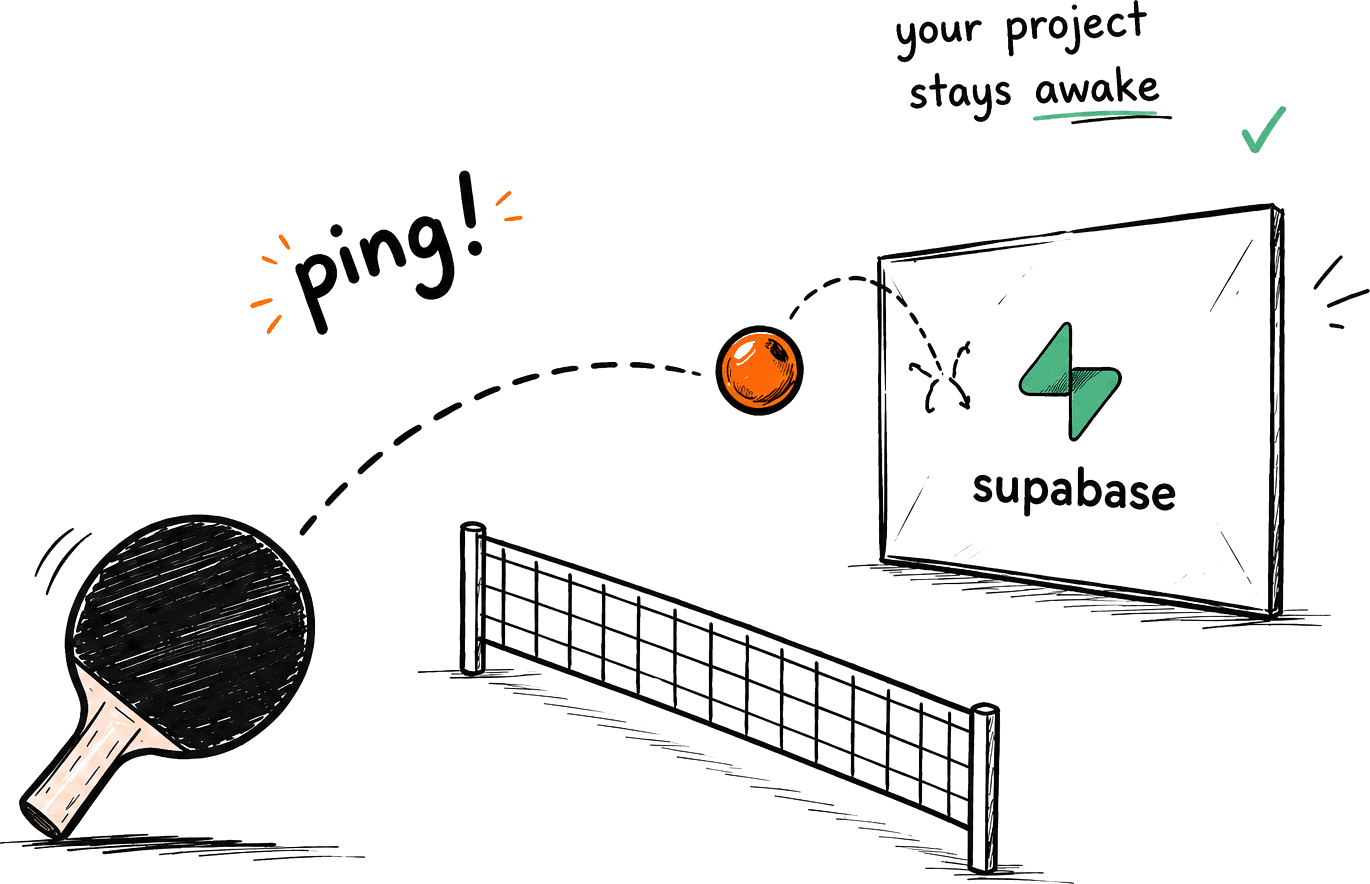
0
Projects Kept Alive
0+
Pings Sent
$0
Monthly Cost
100%
Open Source
Why Does Supabase
Pause My Free Project?
Understanding the problem is the first step to solving it.
One-Week
Low-Activity WindowSupabase may pause Free-plan projects after about 7 days of low activity. Supabase sends owner warnings, but scheduled database activity provides an extra safety net.
Keep Database Activity
ConsistentSupabase looks for sufficient user database activity over the previous week. A scheduled database query gives side projects a predictable activity signal.
Avoid Surprise
DowntimeA paused project must be resumed manually before it can serve your app again. Keep a visible ping history so you can spot an issue early.
Get Started in Under 2 Minutes
Three steps. No code. No complicated setup.
Add Your Project
Enter your Supabase project URL and we'll connect securely. No access to your data — we just keep it alive.
Run 1 Line of SQL
Create a tiny scheduled query in your Supabase SQL editor. One copy-paste and you're done.
Forget About It
Ping runs quietly in the background, automatically pinging. You'll get alerts if something needs attention.
Everything You Need to
Prevent Supabase Pausing
Set it up once. Ping does the rest. Your database stays warm while you focus on building.
Smart 7-Day Window
Ping MONITORS your project and makes sure activity happens within Supabase's 7-day window to keep it safe.
Zero Complexity
No coding. No cron jobs. No servers. Ping handles scheduling, retries, and everything in the background so you don't have to.
Real Monitoring
See real-time pings, uptime, failures, and history. You'll always know your database is active and healthy.
Live Dashboard
One simple dashboard. Status, activity, and alerts — all in one place. No digging. No guessing. Just clarity.
14 Days of Safety
Even if Supabase takes time to resume, Ping automatically retries and restores your project for up to 14 days.
$0/month Forever
Free and open for everyone. Keep your Supabase free projects alive — without limits, without hidden costs.

Supabase Ping vs. DIY GitHub Actions
GitHub Actions alone gets the job done. But wouldn't you rather have a dashboard too?
| Feature | GitHub Actions | Supabase Ping |
|---|---|---|
| Automatic ping execution | ||
| Dashboard & ping history | ||
| Latency monitoring | ||
| Status badges per project | ||
| Multi-project overview | ||
| YAML configuration | Required | Not needed |
| Backup runner | ||
| Failure alerts | Manual | Automatic |
Your Keys Stay Safe
We take security seriously. Here's exactly what happens with your data.
Access Keys – Read by Design
Supabase keys are meant to be browser-visible. Ping only gets access permitted by your Row Level Security rules. Nothing more.
Never Writing to Your Database
Ping uses read-only queries to confirm activity. We never insert, update, or modify data. Your data and schema stay exactly as-is.
RLS Protected. Always.
The keep_alive table respects your existing RLS policies. Ping can only see what your policies allow. No bypasses.
Fully Open Source
Built for devs, by devs. Open on GitHub. You can review every line of code. Transparency, especially when it comes to keys, is our promise.
Run this once in your SQL editor — one table, read-only.
1create table if not exists public.keep_alive (2 id smallint primary key default 1,3 last_ping timestamptz not null default now(),4 constraint keep_alive_single_row check (id = 1)5);67insert into public.keep_alive (id) values (1)8 on conflict (id) do nothing;910alter table public.keep_alive enable row level security;1112create policy "keep_alive anon read" on public.keep_alive13 for select to anon using (true);Selects a single row only, public.keep_alive (id = 1)to confirm recent activity.
Never reads or writes other tables. No data scanning.
Respects policies. Ping only sees what your policiesallow. No elevated access. Ever.
Frequently Asked Questions
Everything you need to know about keeping your Supabase projects alive.
A paused project must be resumed in the Supabase dashboard before it can serve your application again. Supabase sends the project owner warning and confirmation emails around a pause.
Supabase considers recent user database activity when deciding whether a Free project has low activity. Supabase Ping runs a scheduled SELECT query every 12 hours to provide a predictable database activity signal.
Yes. Supabase Ping is open source and is designed to run on free-tier infrastructure. You do not need to enter a credit card to use the app.
The anon key is intended for client-side use and is limited by your Row Level Security policies. Supabase Ping only accepts an anon key and rejects service_role keys.
No. Resuming a paused project is a manual action in the Supabase dashboard. Supabase Ping is designed to help maintain activity before a pause occurs.
The primary runner performs a SELECT query every 12 hours, with a daily backup runner. The dashboard records each attempt so you can check recent activity.
A single failed ping is recorded in the dashboard. Supabase Ping retries on its next scheduled run and alerts you after repeated consecutive failures.
Supabase says that visiting a project in its dashboard can generate activity. Supabase Ping adds scheduled database queries so side projects do not depend on manual visits.
You can add multiple projects to Supabase Ping. Supabase Free has its own limit of two active projects per user across organizations; this is a Supabase platform limit.
Yes. The code is publicly available on GitHub so you can inspect how the service works before adding a project.
Open Source & Community-Driven
Built with Feature-Sliced Design, tested with Vitest, and deployed on free tiers. Contributions welcome.
Give your project a little ping.
Stay active. Stay ready. Forever free.
No credit cardCancel anytime